 Cart is empty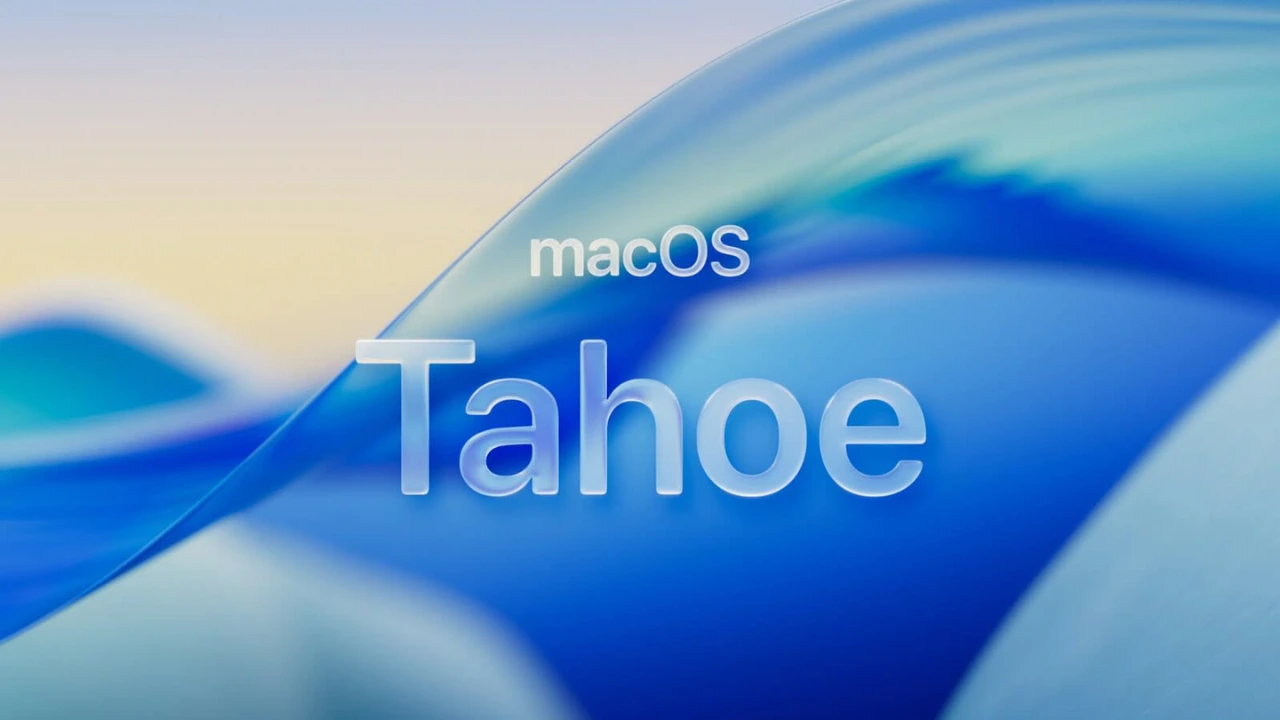

 WhatsApp Group
Release Date
macOS Tahoe (version 26) is officially released on September 15, 2025.
What Is macOS Tahoe / macOS 26
- Tahoe is the next major version of Apple’s Mac operating system, succeeding macOS Sequoia.
- Apple has shifted its version numbering: instead of e.g. macOS 15, the new version is called macOS 26 (Tahoe), aligning with the year-based naming.
- The name “Tahoe” follows Apple’s tradition of naming macOS releases after places in California.
Key Features & Changes in macOS Tahoe 26
- Liquid Glass Design
Tahoe introduces a fresh interface style called Liquid Glass. It uses more transparency, frosty/light glass-like visual effects, updated look for menus, Dock, toolbars, Control Center, folders, icons etc. - Spotlight and Automation Upgrades
Spotlight gets a major overhaul: features like clipboard history, “Actions” for tasks without opening full apps, smarter search inside apps etc.
New automation options are added. - New & Improved Apps
- A native Phone app for Mac so you can manage calls more directly.
- A Games app and a Journal app are included.
- Expanded Continuity features: Live Activities from iPhone show up in Mac’s menu bar etc.
- Other Important Changes
- Repair Assistant for Macs with Apple chips: helps with repair verification and calibration after fixing hardware.
- Final major macOS version that supports Intel-based Macs. After Tahoe, only Apple Silicon Macs will get full updates.
- Folders and icons get more customization (color, emoji, appearance) and desktop widgets are more flexible.
Compatibility
macOS Tahoe will run on:
- All Macs with Apple Silicon chips.
- Selected Intel Macs, including:
- MacBook Pro 16-inch (2019)
- MacBook Pro 13-inch (2020, 4× Thunderbolt 3 ports)
- iMac (2020 and later)
- Mac Pro (2019)
- Older Intel Macs beyond those listed will no longer get full updates after Tahoe.
Why It Matters
- Tahoe marks a turning point: the last major macOS that fully supports Intel Macs. Users will need Apple Silicon to stay current in the future.
- The design change (Liquid Glass) brings a visual overhaul that increases consistency between Apple devices (iPhone, iPad, Mac) making them feel more unified.
- New features like Repair Assistant and enhanced Spotlight will improve productivity and reduce dependence on external repair/third-party tools.
What To Do If You Want to Update
- Before updating, check if your Mac is compatible. If you have an Intel Mac not on the compatible list, consider whether to upgrade your hardware.
- Back up your files (Time Machine or other backup) before installing Tahoe, to avoid data loss.
- Wait a few days after the launch if you rely on your Mac for important work, as early versions may have bugs.


 By
By